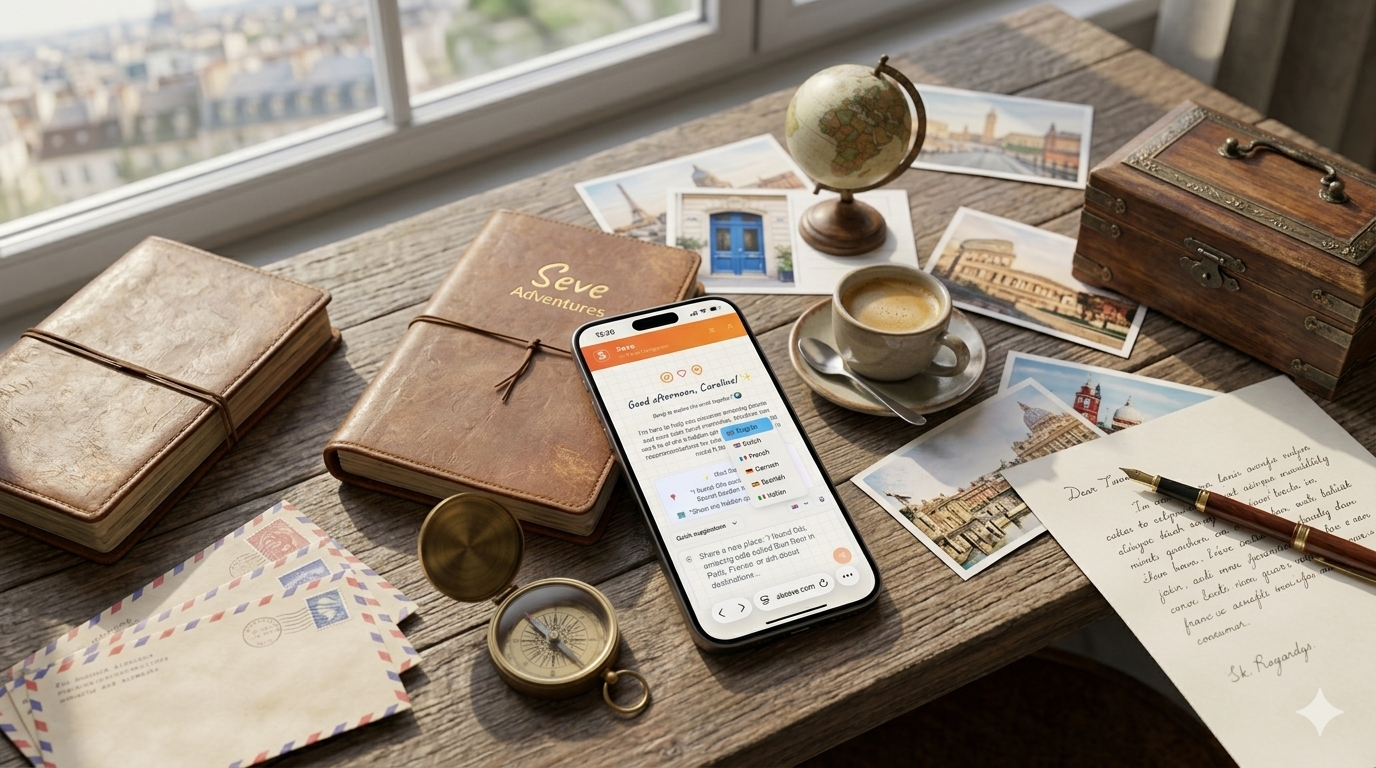
Get Instant Answers, 24/7
Sometimes you need quick answers right now—whether it’s 3 AM before your trip or mid-planning when a question pops up. The Ask Seve Knowledge Base delivers instant, searchable answers without waiting for support tickets or leaving the app.
Access it two ways:
- Direct link: https://askseve.notion.site for full browse access
- In-app access: Find the Help or Knowledge Base link directly in Ask Seve
What’s Covered in the Knowledge Base
The Knowledge Base is organized into three main categories to help you find what you need:
Getting Started & Onboarding
New to Ask Seve? This section walks you through:
- Setting up your account
- Understanding your Travel Vibe
- Asking Seve for recommendations
- Basic features explained
How-to Guides
Want to master Ask Seve’s capabilities? Learn how to:
- Use specific features effectively
- Customize your experience
- Chat with Seve and save places
- Create,organize and share your itineraries
- Understand different planning tools
Troubleshooting
Running into an issue? Find solutions for:
- Account and login issues
- Feature not working as expected
- Data or privacy questions
Quick Tips
- Search first for specific questions—Notion’s search is powerful
- Browse by category to discover features you haven’t explored yet
- Use in-app access for the fastest help while planning
- Bookmark the link for quick access anytime
Need More Help?
Can’t find what you’re looking for? Reach out to Ask Seve support through the app—your feedback also helps us improve the Knowledge Base for everyone.
Ready to dive in? Start exploring the Ask Seve Knowledge Base or access it from within the app. Happy planning!